2026-10-29
Piano Learning Center is a free music game for kids: follow the lights on a piano keyboard with note names, copy drum beats on four pads in a 16-step grid, and finish with the start of real tunes.
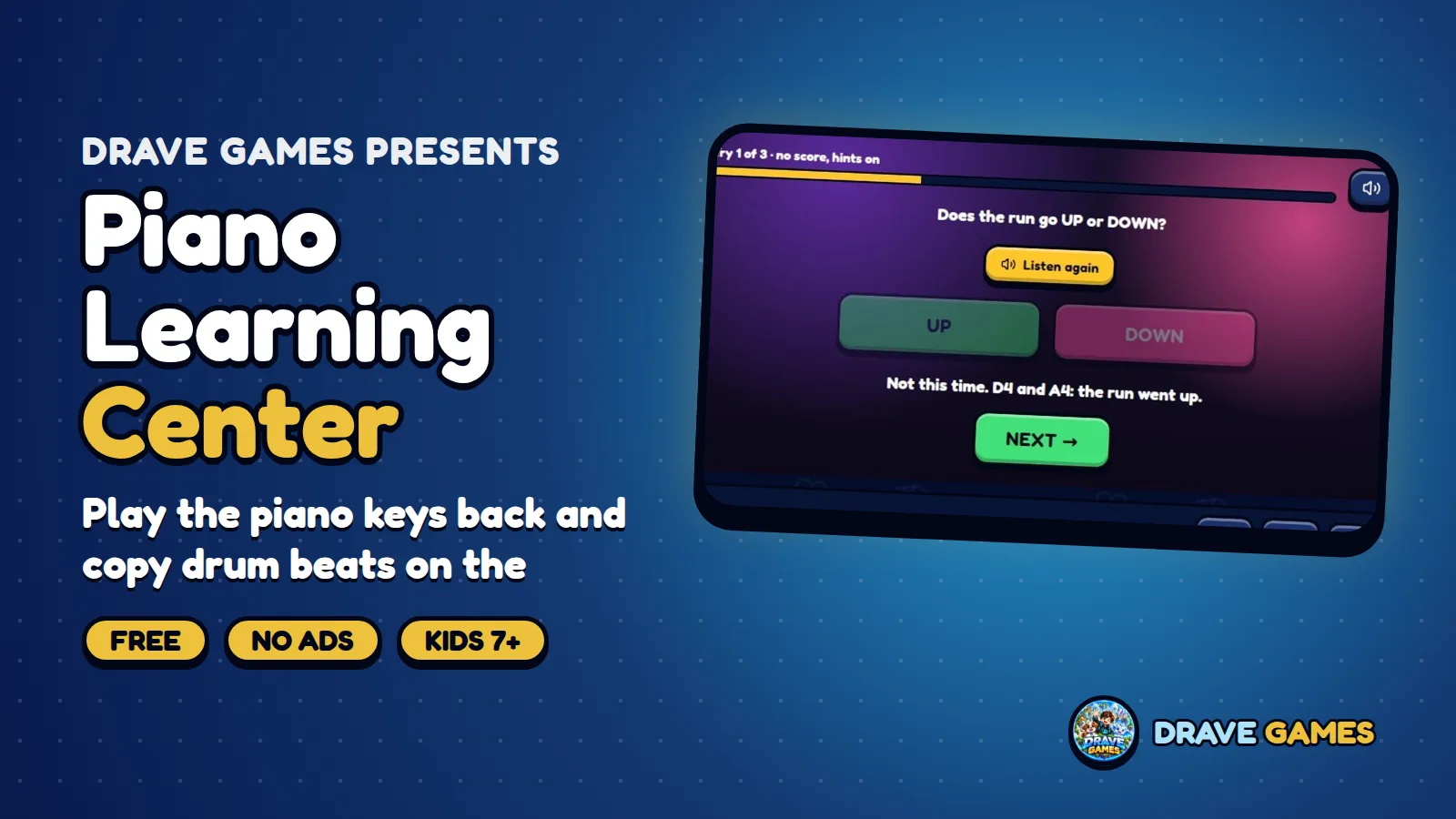
Piano Learning Center is a free music game for kids and families. Follow the lights on a piano keyboard, then copy drum beats on the kick, snare, hat and clap pads. It runs in your browser with no download.
### What is Piano Learning Center?
The game has two parts. On the keyboard, notes light up and the note names are written on the keys, so children connect a sound, a place and a name. On the drum pads, a 16-step beat lights up and you copy it on four pads. Both parts end with the start of real tunes, so effort turns into music.
### How do you play?
- Follow the lights on a keyboard that shows note names.
- Copy drum beats on the kick, snare, hat and clap pads.
- Play along a 16-step beat.
- Finish with the start of real tunes.
- Earn up to three stars.
### What do children learn?
- Note names and where they sit on the keys.
- Hand coordination and finger movement.
- Beat and groove: how kick, snare and hat fit together.
- Confidence to play a real tune.
### Tips for a great game
Take it slowly: play the light you see, then say the note name aloud. For drums, count in your head, one-and-two-and, and place each hit on the step. Repeat a level until it feels easy before moving on. If you have a real keyboard or toy piano at home, try the same notes there; it is a great bridge between the game and a real instrument.
Melody and rhythm are the two halves of music. The keyboard teaches melody through pitch and note names, and the drum grid teaches rhythm through steps and repetition. Learning both in one place helps children see how a song is built: a tune on top, a beat underneath.
### Getting started in seconds
Open the game page, press play and you are in. Nothing needs to be installed, and the game loads quickly even on an older phone or a school computer. If you rotate your phone or resize the window, the layout adapts so buttons stay easy to tap. When you come back another day, your progress is waiting on the same device, so you can pick up exactly where you left off.
### Playing Piano Learning Center at home and in class
At home, a few minutes after school or before bed is plenty: short, regular sessions help more than one long one, and the game is easy to stop and pick up again because everything is saved on the device. In a classroom, it works as a warm-up, a quiet-time activity or a station in a rotation, with no accounts to set up and no personal data to manage. Ask learners to explain a choice or a move aloud; talking about it is where much of the learning happens. Because it runs in the browser, it needs no download and works on a phone, a tablet or a computer.
### Safe and private by design
Drave Games builds its games for children first. There is no account to create, no chat with strangers, no advertising and nothing to buy, so there is no way for a child to be sold to or contacted. Progress such as stars, streaks and unlocked items is stored only in the browser on your own device, and it can be cleared at any time by clearing the site data. Parents can hand over the device with confidence and still keep control of the time spent playing.
Every Drave Games title is checked on phones, tablets and computers, so what you read here is what the game really does, and we update the game and this page together whenever something new is added.
### Who is it for?
Children and families who want to enjoy music, beginners of any age and teachers who need a short listening activity. It is safe by design: no sign-up, no chat, no ads and no purchases, and your stars are saved only on your own device.
### Frequently asked questions
Is it free? Yes.
Do I need a real piano? No, but it helps to try one.
What are the drum pads? Kick, snare, hat and clap.
Does it teach tunes? It ends with the start of real tunes.
Is it safe? No sign-up, chat, ads or purchases.
### More from Drave Games
Try next: Falling Notes, Singer School, Ear AI: Music City. See the Games section and Updates.
#DraveGames #PianoLearning #Piano #Drums #LearnMusic #Music #Education #KidsGames #FreeGames