2026-10-28
Rush Word is a free typing game for kids and families: read the word, type it before the timer runs out, finish ten words a round and beat your score. Best with a keyboard, quick brain break for class.
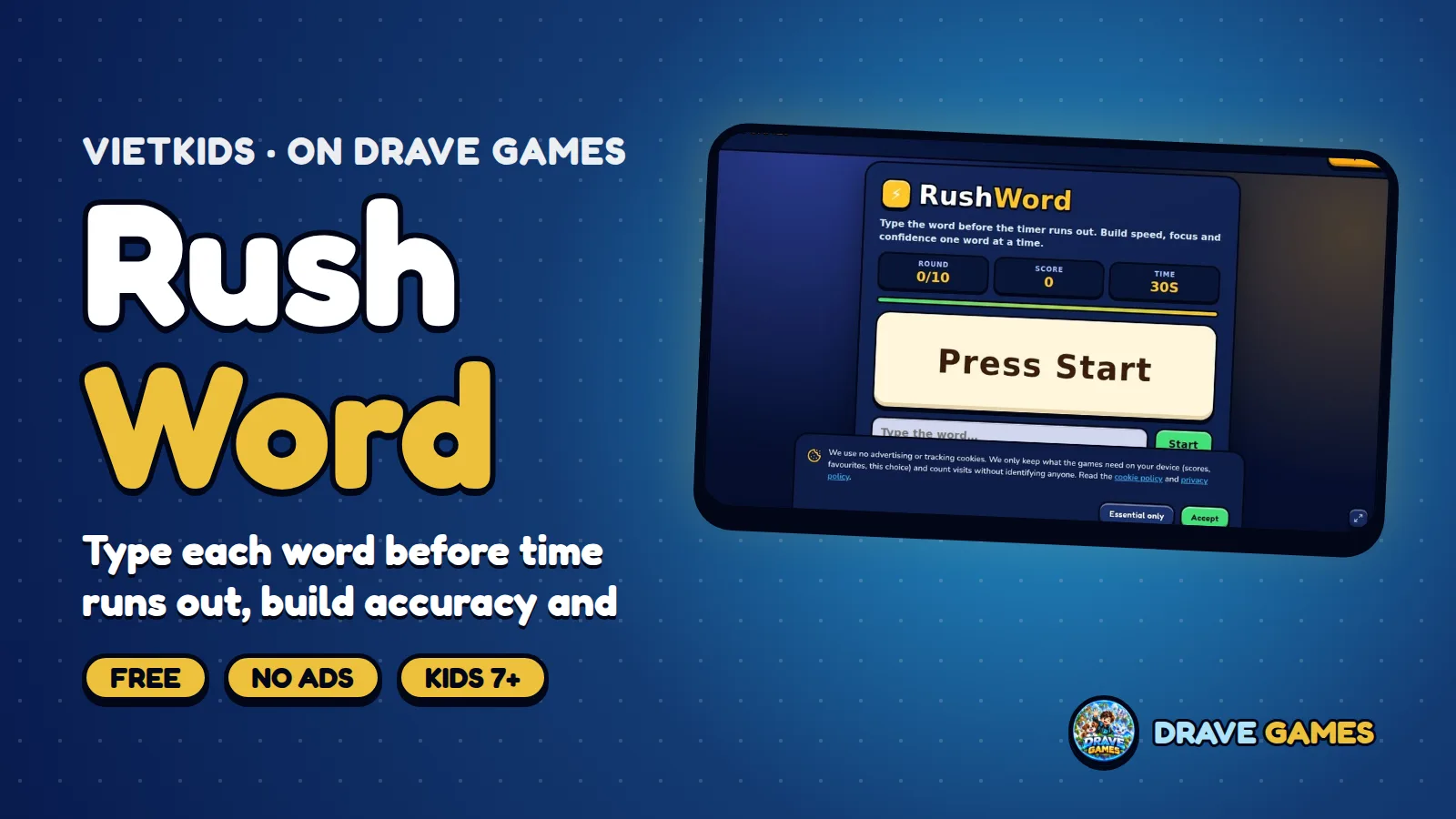
Rush Word is a fast, free typing game for kids and families that you play in your browser. Press Start, read the word on the card and type it into the answer box. Spell it correctly and the game moves straight on to the next word. Finish all ten words before time runs out, then play again to beat your score.
### What is Rush Word?
Rush Word is a short, quick challenge, perfect for a brain break at home or in the classroom. A round takes only a few minutes, and the game checks each word automatically so children can concentrate on typing.
### How do you play?
- Press Start and read the word on the card.
- Type it in the answer box; the correct spelling moves you on automatically.
- Ten-word challenge: finish all ten before the timer ends.
- Play again to improve your score and accuracy.
- Best with a keyboard, though it opens on a phone or tablet too.
### What do children learn?
- Spelling practice with every word.
- Keyboard recognition and finger movement.
- Visual attention: reading the word then typing it.
- Concentration under a time limit, with the pressure kept short and friendly.
### Tips for a great game
Type for accuracy first: a mistake costs more time than a slower, correct word. Read the whole word before you start typing, and keep your eyes on the card rather than the keys. After each round, note which words were hard and say them aloud before playing again. Teachers can use a round as a starter activity, a reward or a quiet-time challenge.
Because the score stays in the current game session, there is no pressure of leaderboards, only your own improvement within the session.
Because each round is only a few minutes, Rush Word fits between lessons. Ask learners to try a round, then note one word they found tricky. Collect the words on the board and review them together. This turns a fun game into a short spelling lesson without extra preparation.
### Getting started in seconds
Open the game page, press play and you are in. Nothing needs to be installed, and the game loads quickly even on an older phone or a school computer. If you rotate your phone or resize the window, the layout adapts so buttons stay easy to tap. When you come back another day, your progress is waiting on the same device, so you can pick up exactly where you left off.
### Playing Rush Word at home and in class
At home, a few minutes after school or before bed is plenty: short, regular sessions help more than one long one, and the game is easy to stop and pick up again because everything is saved on the device. In a classroom, it works as a warm-up, a quiet-time activity or a station in a rotation, with no accounts to set up and no personal data to manage. Ask learners to explain a choice or a move aloud; talking about it is where much of the learning happens. Because it runs in the browser, it needs no download and works on a phone, a tablet or a computer.
### Safe and private by design
Drave Games builds its games for children first. There is no account to create, no chat with strangers, no advertising and nothing to buy, so there is no way for a child to be sold to or contacted. Progress such as stars, streaks and unlocked items is stored only in the browser on your own device, and it can be cleared at any time by clearing the site data. Parents can hand over the device with confidence and still keep control of the time spent playing.
Every Drave Games title is checked on phones, tablets and computers, so what you read here is what the game really does, and we update the game and this page together whenever something new is added.
### Who is it for?
Kids and families who like quick word games, and classes that want a short typing warm-up. No sign-up, chat, ads or in-game purchases; your score stays in the current game session.
### Frequently asked questions
Is Rush Word free? Yes.
How many words are in a round? Ten.
Do I need a keyboard? Recommended; it also opens on a phone or tablet.
Does it save my score? Only within the current game session.
Is it safe for kids? No sign-up, chat, ads or purchases.
### More from Drave Games
Try next: Typing Pals, Word Match, Word Guess. See the Games section and Updates.
#DraveGames #RushWord #Typing #WordGame #Spelling #LearnEnglish #Education #KidsGames #FreeGames